
Description
Key Specifications & Features
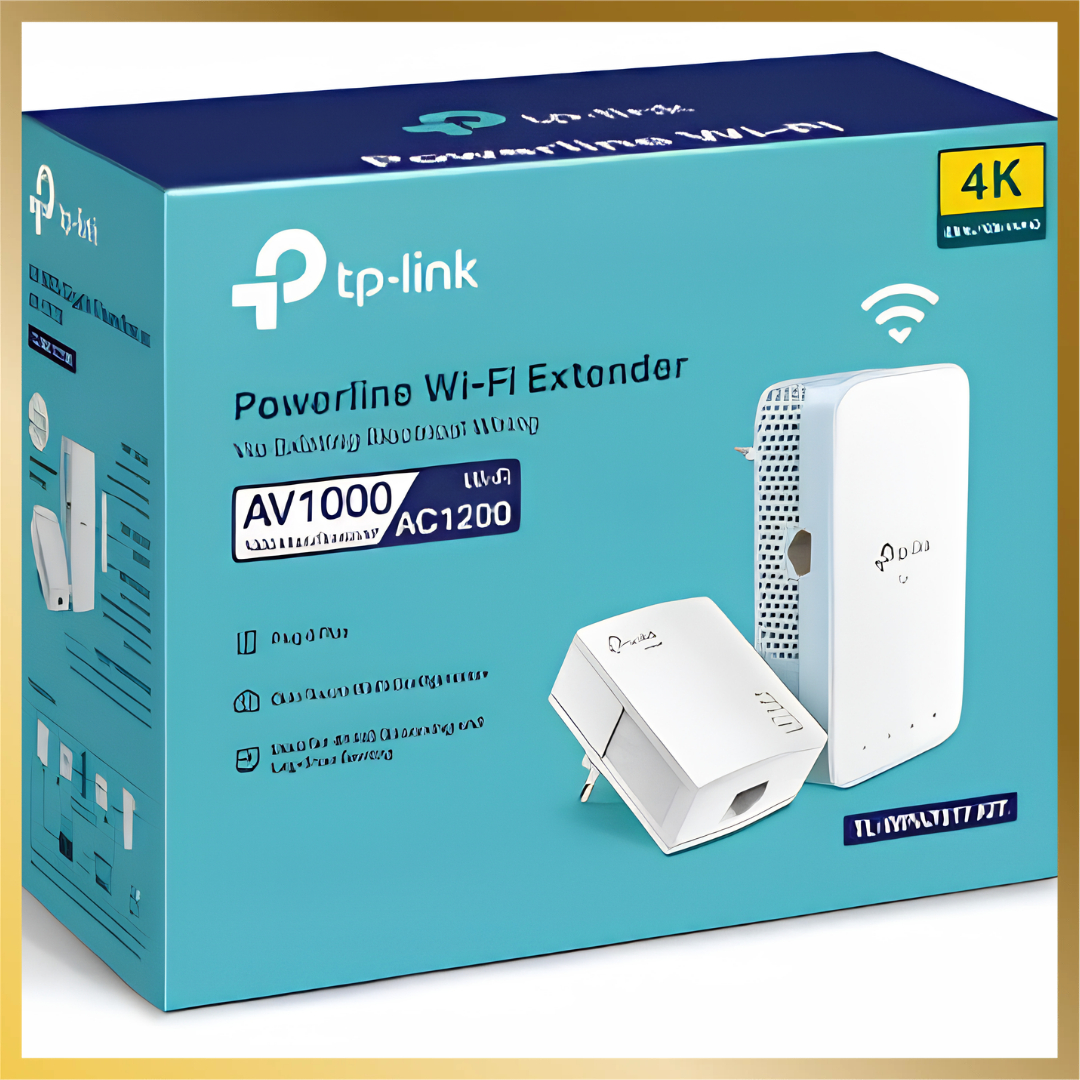
• Powerline Standard: HomePlug AV2 with data transmission speeds up to 1000 Mbps over up to 300 meters (1000 feet) of electrical wiring.
• Wi-Fi Specs: Dual-band Wi-Fi (AC1200 / AC750 variant depending on regional spec, providing up to 867 Mbps on 5 GHz and 300 Mbps on 2.4 GHz).
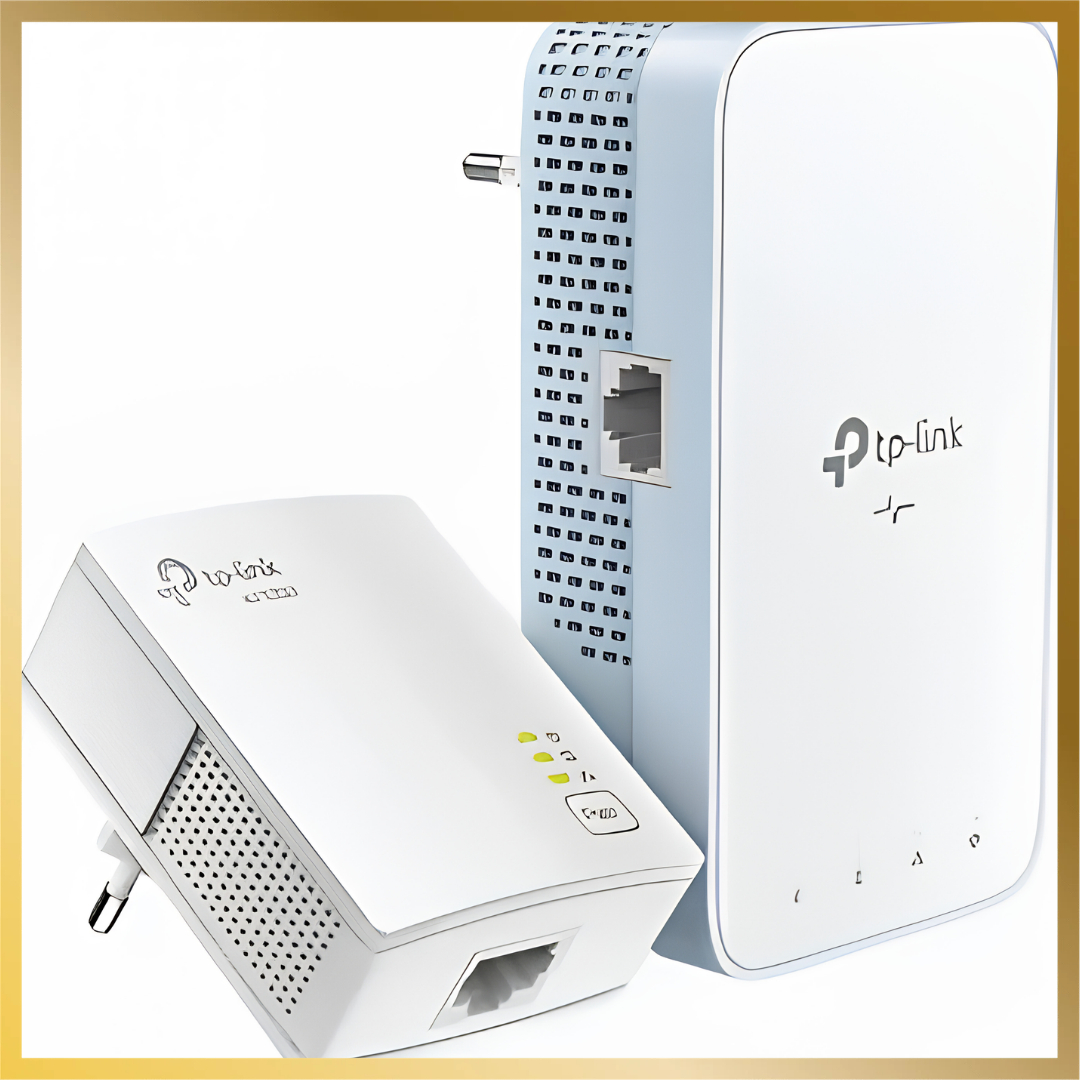
• Ports: 1 × Gigabit Ethernet port on each adapter (TL-WPA7517 and TL-PA7017).
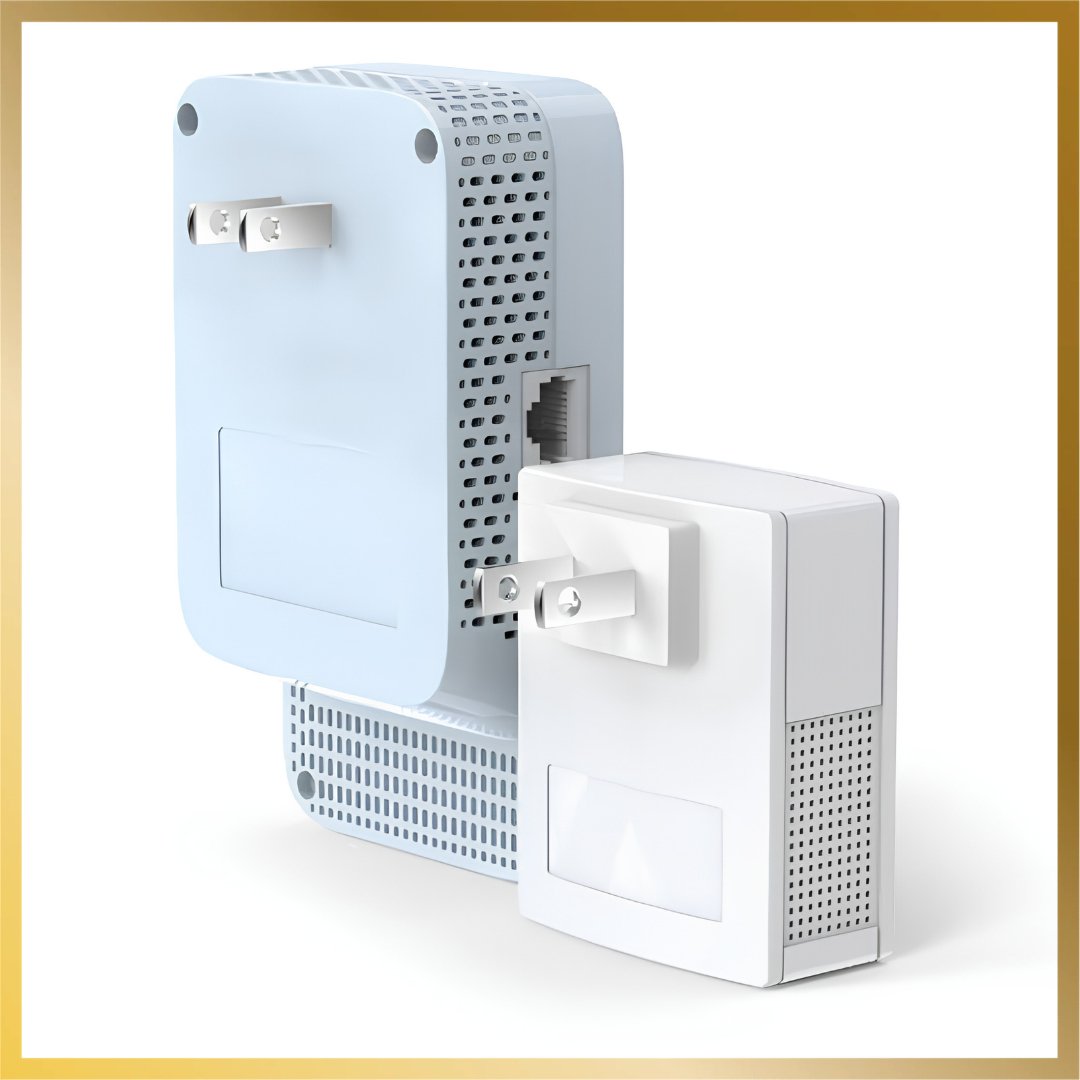
• Kit Components: Includes 1 × TL-PA7017 main adapter, 1 × TL-WPA7517 Wi-Fi extender unit, and Ethernet cables.
• Smart Features: Wi-Fi Auto-Sync (Clone and Move settings from your main router) and management via the tpPLC App or Utility.
• Pricing in Kenya: Typically ranges from KSh 7,500 to KSh 15,459 depending on the local supplier (such as CTC Solutions or Jumia Kenya).
Specifications
| Brand | TP-Link |
|---|---|
| Category | Networking Equipment |
| Availability | In stock |
| Price | KShs 9,000.00 |


Reviews
There are no reviews yet.