
Description
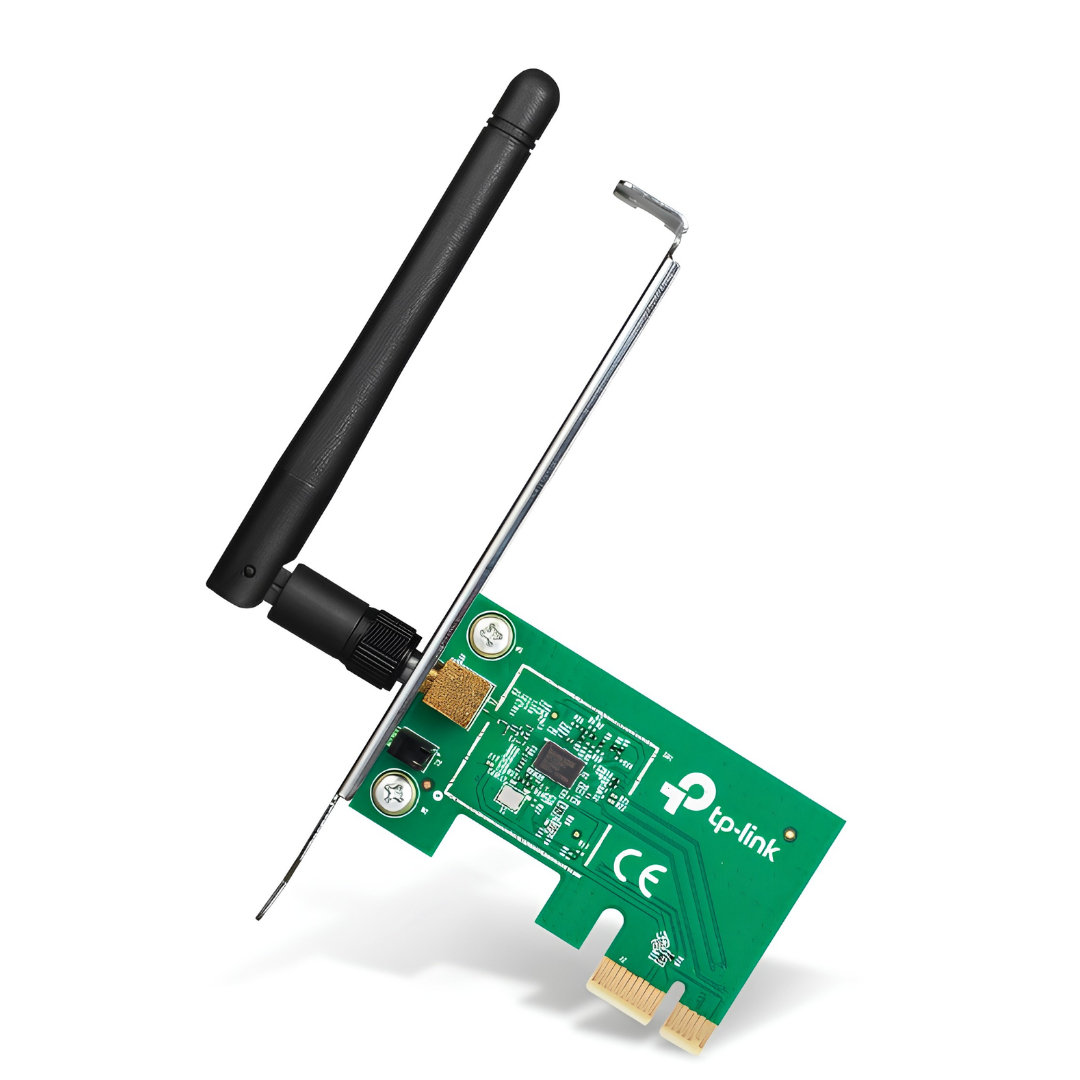
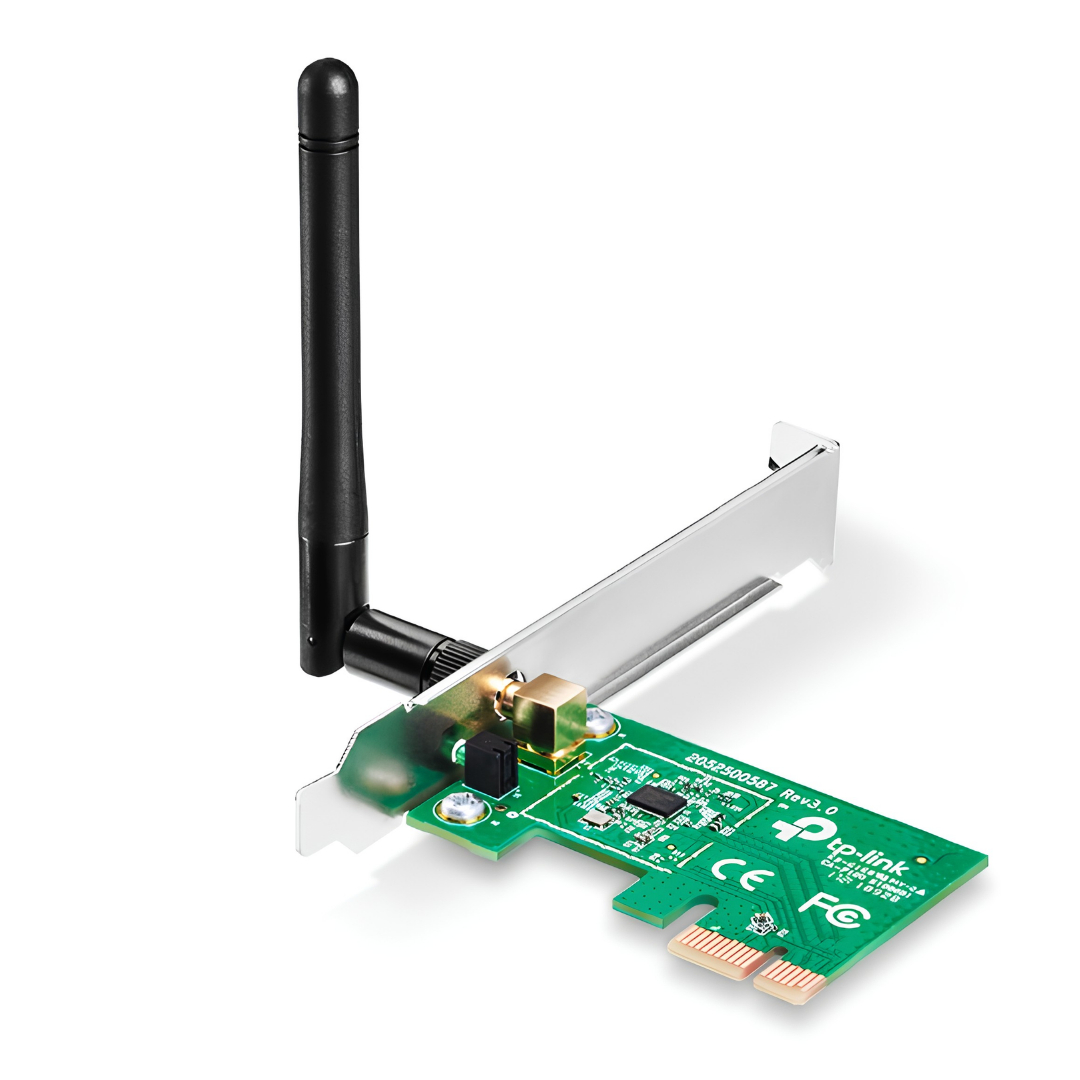
The TP-Link TL-WN781ND is a budget-friendly wireless N PCI Express adapter designed to provide reliable, basic wireless connectivity to desktop computers. Operating on the 2.4 GHz frequency band, it delivers data transfer speeds up to 150 Mbps, making it well-suited for everyday online activities like web browsing, emailing, and casual streaming. The device features a standard PCIe interface that plugs directly into a motherboard slot to save external USB ports, and it comes equipped with a detachable omnidirectional antenna that can be adjusted or upgraded to improve signal reception. With its broad compatibility across legacy and modern operating systems, it serves as an economical solution for reviving older desktop PCs or outfitting basic office workstations with hassle-free Wi-Fi access.
Key Specifications
- Wireless Standards: IEEE 802.11n, IEEE 802.11g, IEEE 802.11b
- Signal Rate: Up to 150Mbps on 802.11n, up to 54Mbps on 802.11g, and up to 11Mbps on 802.11b
- Frequency Range: 2.400–2.4835 GHz
- Interface: PCI Express (compatible with x1, x2, x8, and x16 slots)
- Antenna: One detachable 2dBi omni-directional RP-SMA antenna
- Security: WEP (64/128-bit), WPA-PSK/WPA2-PSK, and WPA/WPA2 encryptions
- Dimensions: 4.8 × 3.1 × 0.8 in. (120.8 × 78.5 × 21.5 mm)
- System Compatibility: Supports Windows (XP through Windows 11) and Linux
Main Features
- PCI Express Slot Fit: Connects easily to standard PCIe x1, x2, x8, or x16 slots on desktop motherboards.
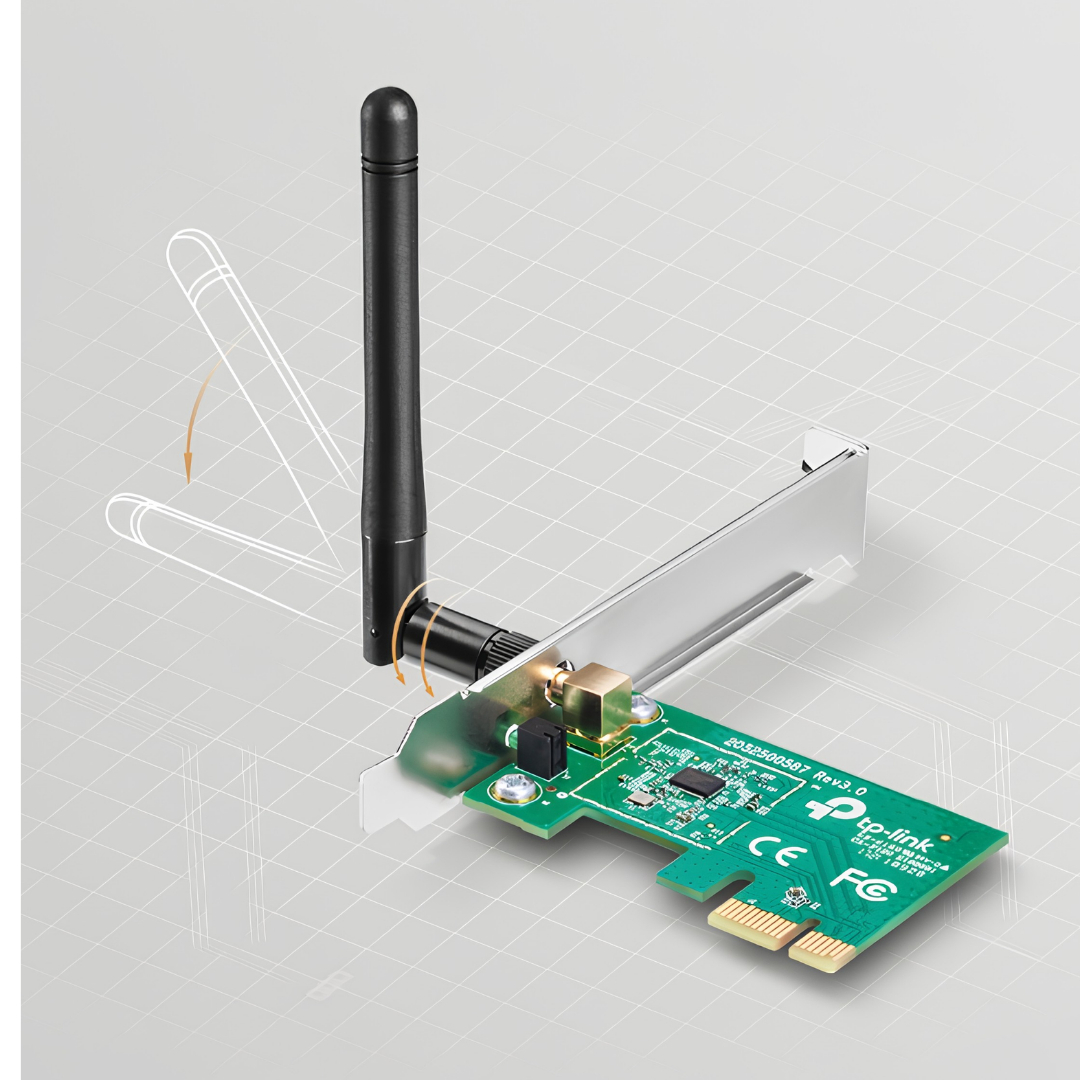
- Detachable Antenna: Allows you to adjust antenna orientation or upgrade to a stronger external/directional antenna for better coverage.
- Easy Management: Supports quick wireless security setup (QSS/WPS) for a protected network connection.
Ideal for
- Basic Desktop Setups: Best for office work, checking email, online reading, and light web browsing on a desktop computer.
- Reviving Older Computers: Great for bringing internet access to legacy PCs running older operating systems like Windows XP, 7, or 8.
- Saving USB Ports: Ideal if your computer has limited USB ports and you prefer an internal, permanent expansion card that plugs directly into the motherboard.
- Budget-Constrained Projects: Perfect for low-cost, secondary PCs, or DIY budget builds where minimizing expenses is the top priority.
- Low-Speed Internet Plans: Suited for households with internet plans below 100 Mbps, where the adapter’s 150 Mbps limit will not cause a bottleneck.
Why get the TP-Link TL-WN781ND
- Budget-friendly fix: It is one of the most affordable ways to add basic Wi-Fi connectivity to an older or budget desktop that does not have built-in wireless.
- PCI Express connection: Because it plugs directly into a PCIe slot on your motherboard, it leaves your external USB ports free for other accessories like mice, keyboards, or external drives.
- Upgradable antenna: The external antenna can be rotated to catch a better signal, or completely detached and replaced with a higher-gain antenna if your router is far away.
- Legacy system support: It works well with older operating systems (like Windows XP or 7) making it a good choice for reviving older hardware.
Key Considerations Before Buying
- Basic Speed Only: It maxes out at 150 Mbps. This is perfectly fine for basic web browsing, checking emails, and light streaming, but it will bottleneck fast modern fiber internet connections.
- 2.4 GHz Band Only: It does not support the faster 5 GHz or 6 GHz bands. If you live in an apartment or area with many competing Wi-Fi networks, you might experience signal interference.
Specifications
| Category | Uncategorized |
|---|---|
| Availability | In stock |
| Price | KShs 2,600.00 |


Reviews
There are no reviews yet.